Ecommerce Checkout Optimization: Reducing Friction to Lift Conversion 20-40%
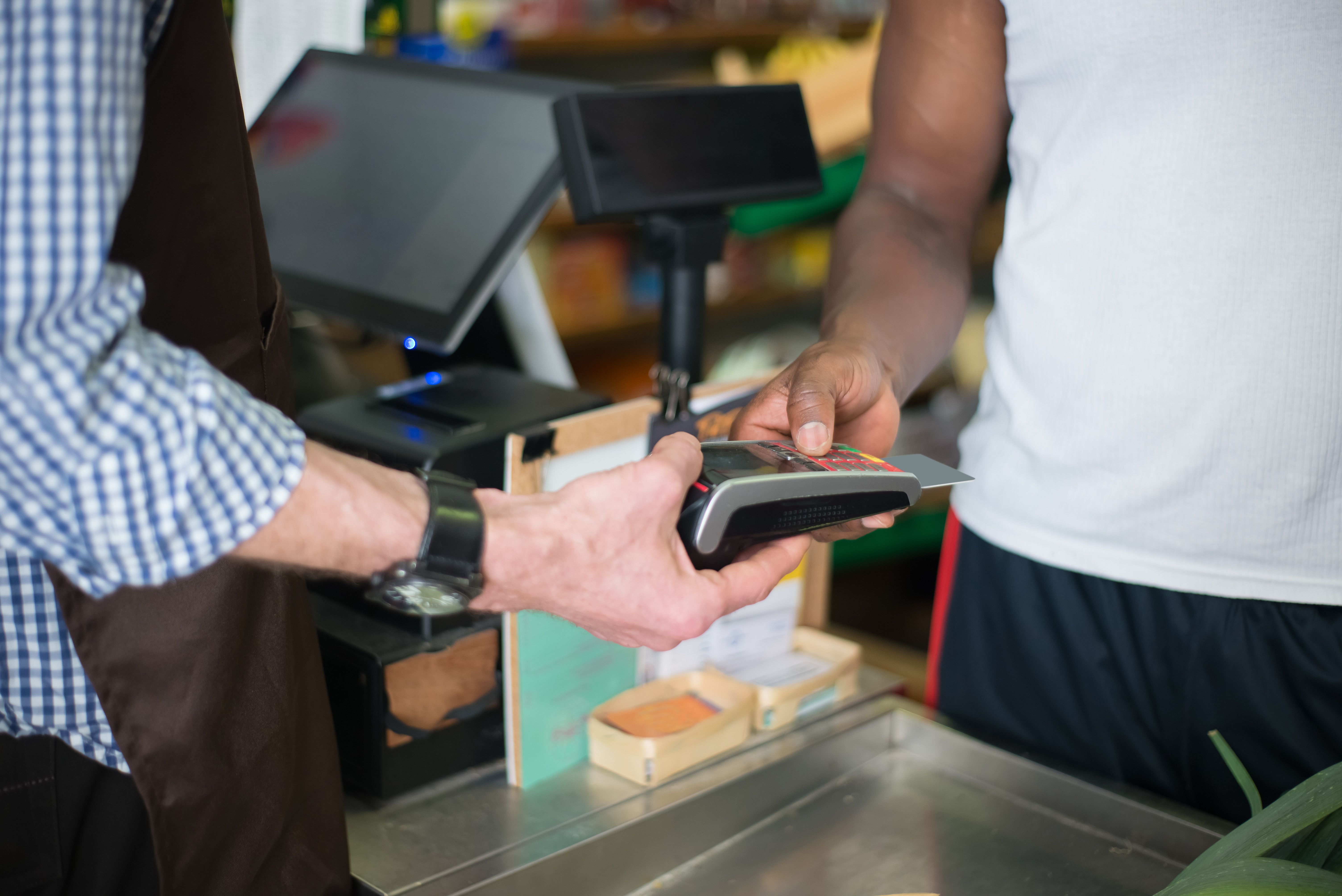
Every building an ecommerce ecosystem optimization SEO, merchandising, personalization, email funnels into one moment: the checkout. Get it wrong and all that upstream work evaporates. After rebuilding checkout flows at Lorex Technology and 1c Platform, I've seen the same mechanical fixes lift conversion rate optimisation 20-40% across stores that thought their checkout was "fine."
The Principle: Protect Intent, Don't Test It
A shopper who reaches checkout has decided to buy. Every field, step, and redirect you add is a chance for them to reconsider. The checkout's job is to get out of the way, not to extract marketing data.
The single most damaging pattern is forced account creation before purchase. Industry data is consistent: 14-23% of buyers abandon when forced to register. Guest checkout should be the default; account creation should be offered after the order succeeds, when you've earned the right to ask.
Accelerated Checkout Is Now Table Stakes
Accelerated checkout Shop Pay, Apple Pay, Google Pay, PayPal Express skips the form entirely for returning shoppers by pre-filling shipping, billing, and payment from a stored wallet. At Lorex, surfacing Shop Pay above the email field lifted mobile conversion rate optimisation 28% because it collapsed a 6-field form into a biometric confirmation.
Checkout priority order (mobile):
1. Accelerated checkout buttons (Shop Pay, Apple Pay) above the fold
2. Guest checkout email field
3. "Create account" link secondary, never blocking
The key: accelerated checkout goes first, not as an alternative buried below the manual form. Shoppers who can use it never see the form.
Form Friction: Every Field Has a Cost
Each form field reduces conversion rate optimisation. The discipline:
• Ship to billing by default eliminate the "shipping address same as billing" toggle when it's the common case • Address autocomplete Google Places or a commerce-grade geocoder turns 6 fields into 1 typed line • Numeric keyboards `inputmode="numeric"` on zip, phone, card fields • Inline validation validate on blur, never block submission on a field the shopper hasn't left • No surprise costs shipping and tax must appear before the payment step, never after
Mobile Checkout Needs Its Own Design
Desktop and mobile checkout are not the same flow at different widths. Mobile needs:
• Single-column layout (multi-column forms cause horizontal scrolling and misclicks) • Larger tap targets (48px minimum) • Sticky pay button that stays visible as the shopper scrolls • Numeric keyboards for numeric fields • Credit card scanning (camera-based card capture) to avoid typing 16 digits on glass
Trust Signals Above the Fold, Not Buried
Shoppers abandon at checkout because of fear, not just friction. Surface trust signals where the decision happens:
• Security badge (Norton, McAfee, SSL) near the pay button • Return policy link visible during shipping selection • Shipping cost and delivery date before payment • "You won't be charged until your order ships" for pre-orders
Burying these in the footer is a missed conversion rate optimisation opportunity.
Error Handling Is Where Checkouts Leak Most
The worst checkout behavior I see: a failed payment clears the cart, or sends the shopper back to the cart page, or wipes the form. Each is a self-inflicted wound.
Rules: • Never clear the cart on a failed payment • Never redirect to the cart on error keep the shopper on checkout with the error inline • Always preserve form state after a failed submission • Show the specific error ("card declined" not "something went wrong") • Offer an alternative payment method inline, not a restart
What to Measure
Overall conversion rate optimisation rate is too coarse for checkout work. Track:
• Checkout completion rate shoppers who start checkout vs. complete • Step-level drop-off where in the flow do they leave? • Time to first field interaction are they engaging or bouncing? • Payment-failure recovery rate of failed payments, how many retry and succeed? • Accelerated checkout adoption what % use it, and what's their conversion rate optimisation vs. manual?
At 1c Platform, we found 60% of checkout abandonment happened at the payment step. The fix wasn't a new payment processor it was surfacing the shopper's most-likely payment method first and removing a redundant billing-address step. conversion rate optimisation lifted 19% with zero backend change.
The Compounding Effect
Checkout optimization compounds with every other channel. A 25% checkout lift makes every paid-acquisition dollar 25% more efficient, every email flow 25% more valuable, every SEO visit 25% more likely to convert. No other CRO work has that multiplier.
Start with the mechanical fixes guest checkout, accelerated checkout, inline errors, mobile single-column before you touch personalization or AI. They're unglamorous, but they're where the conversion rate optimisation is hiding.

Sufi Khan Sulaiman
VP Technology & CTO with 25+ years building ecommerce platforms, enterprise systems, and AI solutions
Expertise across ecommerce strategy, cloud architecture, AI & machine learning, DevOps, and technology leadership. Led teams at FLIR Systems, Lorex Technology, 1c Platform, and Genetec.
More Articles
Explore Ecommerce Services
Explore the Full Portfolio
This is the complete portfolio of Sufi Khan Sulaiman, a technology leader specialising in B2B commerce and digital automation. Start from the Home page for the overview, then move through two decades of career experience across FLIR Systems, Lorex Technology, and 1c Platform, and the full catalogue of project case studies spanning headless commerce migrations, AI recommendation engines, and multi-channel fulfilment systems.
The skills and certifications page maps the technical and leadership capabilities behind the work, while the articles and the knowledge base break down the thinking into actionable frameworks. For hands-on learning, the tutorials and applications sections cover practical builds from front-end fundamentals to full-stack web apps.
For consulting engagement, the expertise page outlines service offerings, the ecommerce hub covers platform architecture and automation strategy, and the ecommerce guide (PDF) is a downloadable 55-page field manual. When you are ready to talk, the contact page is the direct line.